

Preview. PicPrep has not launched yet, and parts of this page are unfinished.

PicPrep Get PicPrep

Get photos ready to post.

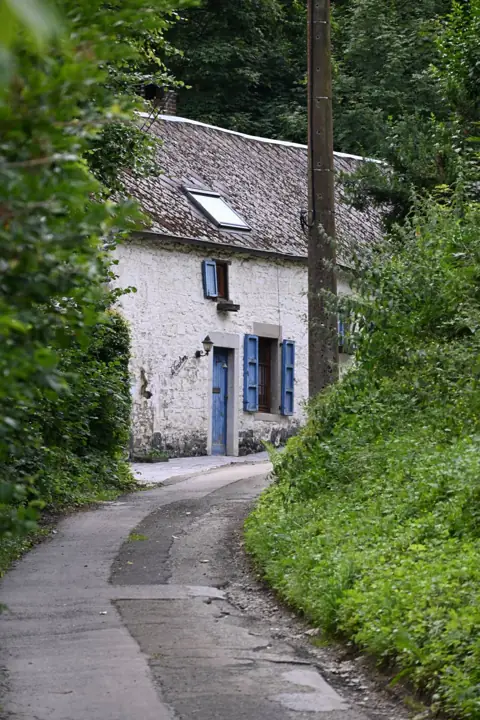
  1. Village street, circled: in the post
    14
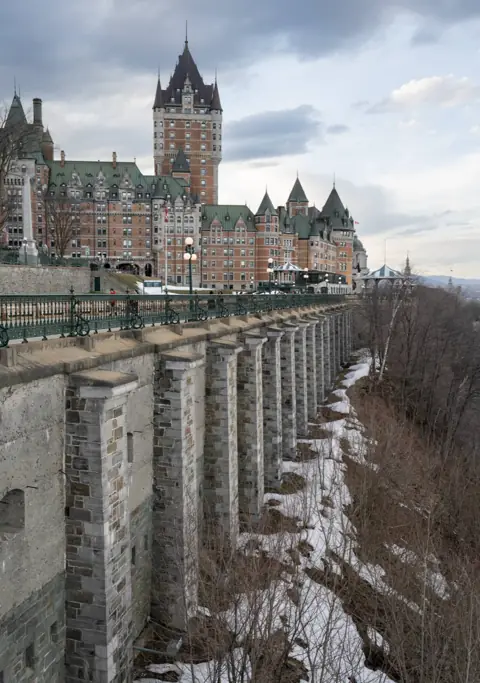
  2. Château, crossed out: cut
    15
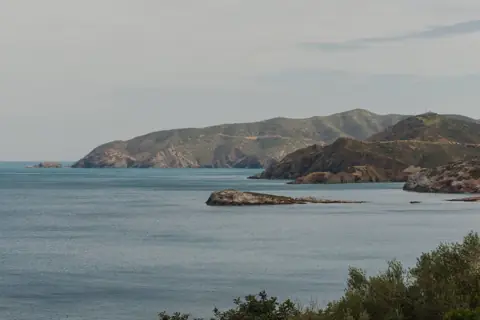
  3. Coast, circled: in the post
    16
  4. Lake, question mark: maybe
    17
  5. Fishing boats, circled: in the post
    18
  6. Bay panorama, circled: in the post
    19

Circled: in the post. Question mark: maybe. Crossed out: cut.

Slide 1: the village street
Slide 2, top: the coastSlide 2, bottom: fishing boats
Slides 3 and 4: the bay panorama, cut in two

4 slides, one post

Choose the frames, lay out the carousel, add your mark, export at the right size. With your AI assistant if you like. On your computer, offline.

Get PicPrep

First year $19, then $29/year · 14 days free, no card. Start the trial in the app.

Watch the tour

Music, no voice; captions describe each step. Full quality, 1080p (25 MB)

How a post comes together

  1. Mark the frames: circle what goes in the post, add a question mark to what you are unsure of, cross out the rest.
  2. Ask your assistant, in its own app, to lay out today's post. Its question arrives in PicPrep: the Assistant button shows one question, the Questions inbox asks which shots tell the story, and you pick one, add a note and send it.
  3. The assistant reads your answer and lays out the post. Each change appears in the app in its colour, with its reason.
  4. You keep or reject each change. Approving, exporting and settings stay yours.
  5. Two versions of a frame become a before/after wipe, exported as a short video.
  6. An EXIF card folds out of the cover, read from the photo itself.
  7. Your mark is added and each slide is sized for the platform, never enlarged.
  8. You swipe through the post as it will be seen, before anything is exported.
  9. Seven new files are written beside your originals, which stay as they were.

Mark the frames.

Keep what goes in the post, mark what you are unsure of, cut the rest. What you cut stays in sight, with its reason.
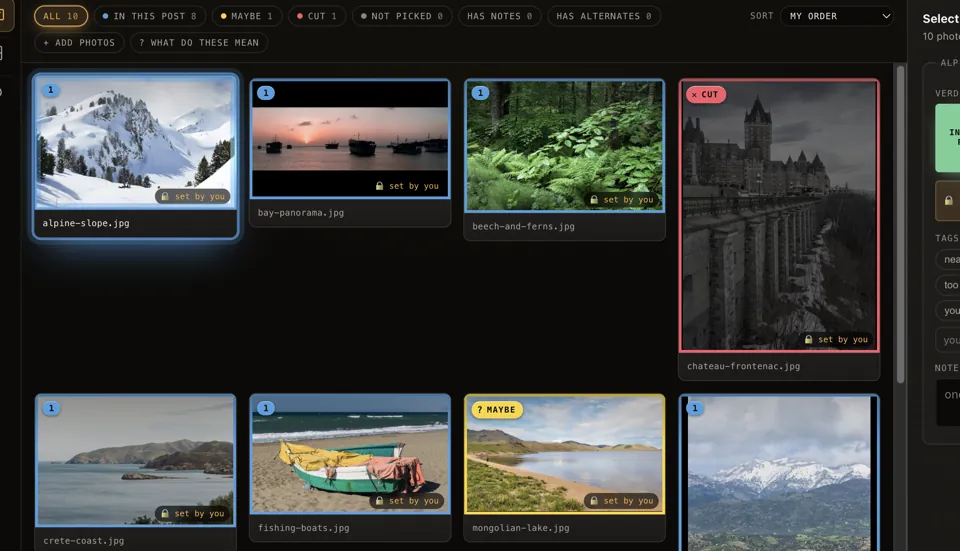
PicPrep's Select stage: a sheet of photos, each marked in the post, maybe or cut.

Lay out the post.

Put the slides in order, stack two landscapes into one frame, let a panorama run across three. Your assistant can do it with you; you keep or reject each change.
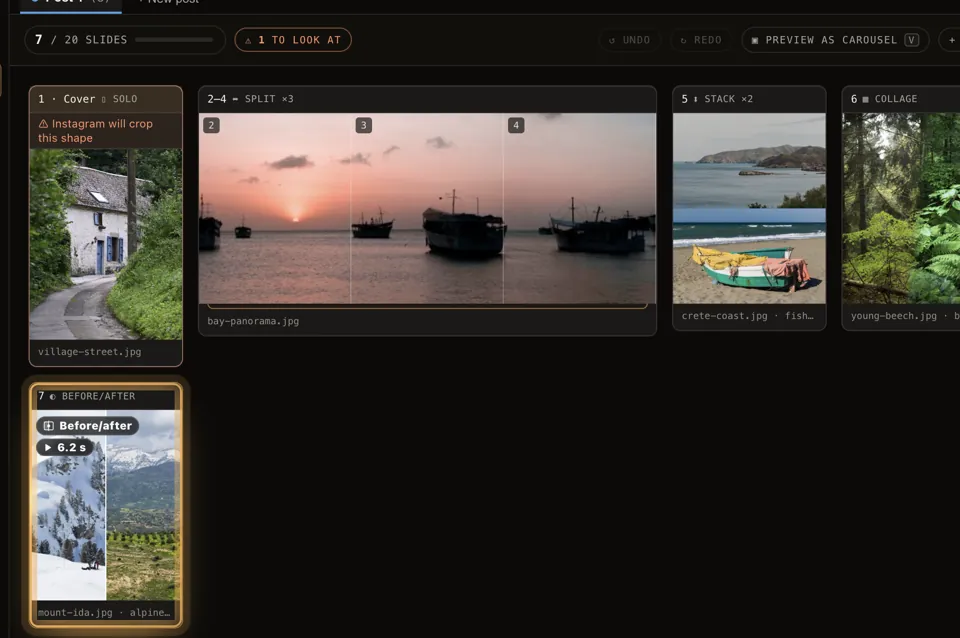
The Board: a cover photo, a panorama split across slides 2 to 4, two coast photos stacked into one slide, a collage and a before/after.

Show the change, add the details.

Before/after wipes, exported as a short video, and EXIF cards read from the photo itself.
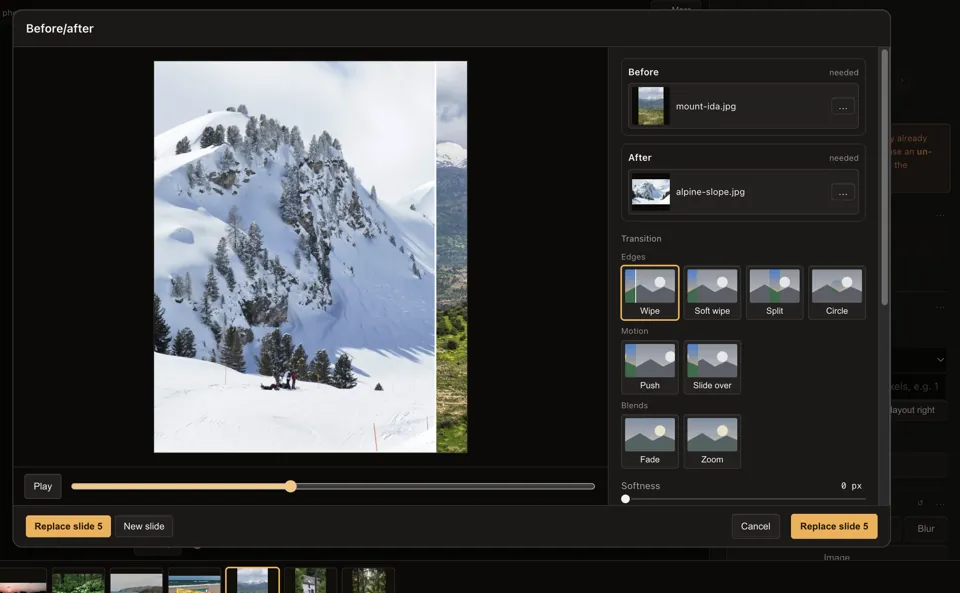
The Before/after dialog with a wipe between two photos.

Sign it, size it, export.

The export plan shows every slide's size and warnings before anything is written. Full resolution by default; never enlarged.
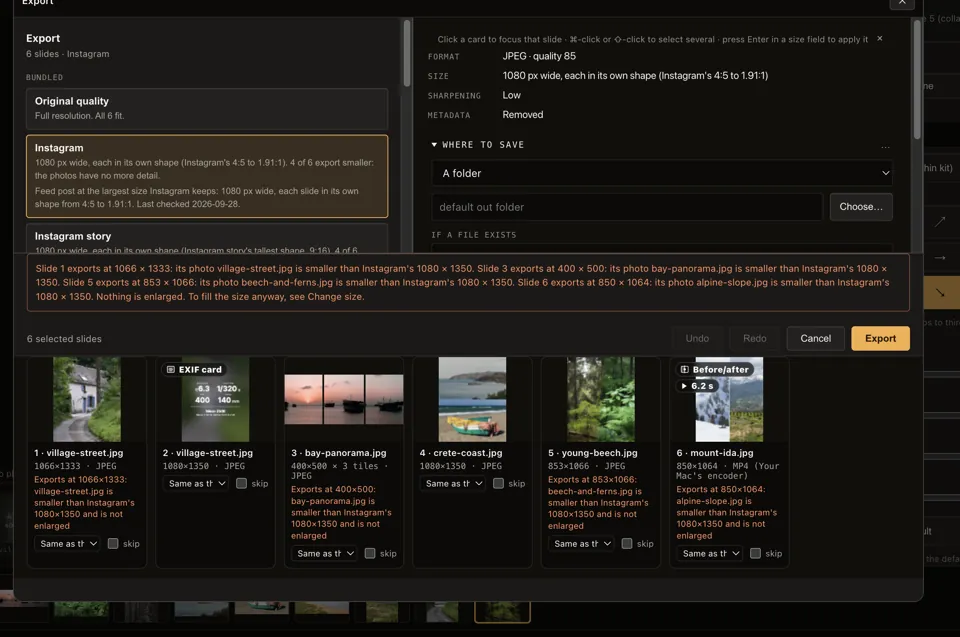
The Export dialog: the Instagram preset, a size note for each slide and a warning that four photos are smaller than the platform's size and are not enlarged.

Works with the AI assistant you already use.

PicPrep is built to work with an assistant. It works alongside you in the app; every change it makes is marked as its own, with its reason, and you keep or reject each one.

What it can do

  • See the project: your marks, notes, posts and slides.
  • Ask you a question or offer choices. They wait in PicPrep's Questions inbox, with a count on the Assistant button, until you answer there, with a note if you like.
  • Lay out slides and posts. Each change appears in the app in its colour, with its reason.

What stays yours

  • Keep or reject every change, or edit on top of it.
  • Approving, exporting and settings. It cannot do them, and a deletion it can only suggest.
  • Pause it at any time. PicPrep uploads nothing; what you let your assistant view is shared with it under its own terms.

Claude Code, Claude Desktop, Codex, Cursor, Gemini CLI, VS Code, Windsurf, Zed, Cline, Goose, OpenCode, Devin CLI, and any assistant that can run a local tool. Set up with one line: npx -y picprep-mcp

Setup for each assistant

Try it on your own shoot.

Every feature for 14 days. Your photos never leave your computer.

Get PicPrep

First year $19, then $29/year · 14 days free, no card. Or $4.99 a month. Two computers. Pricing